Ortur Laser Master 3 LE 5W: Go-To Entry-Level Laser Engraver for Beginners & Home Use
If you’re hunting for an easy-to-use, space-saving, fully functional desktop laser engraver, the Ortur Laser Master 3 LE 5W is definitely a top consideration. As the "entry-level flagship" of the Ortur family, it’s powered by the 5W LU3-5 laser module — striking the perfect balance between engraving precision, operational ease, and safety protection. It caters to beginners eager to explore their creativity and meets the daily needs of home crafters or anyone starting a small side hustle. Today, we’ll break down this laser engraving machine in full and highlight its core advantages by comparing it to two other popular Ortur models: the Ortur LM2 Pro S2 and Ortur LM2 S2.
Core Configuration of ortur LM3 LE 5W
Flagship-Grade Performance for Entry-Level Users
Core Performance: Speed & Precision That Deliver Results

The Ortur LM3 LE 5W comes with Ortur’s exclusive LU3-5 laser module, boasting an output power of 5W – 6.5W and a laser wavelength of 450 ± 10 nm (blue light). Paired with its nearly rectangular compressed laser spot (0.09×0.15mm), it hits an engraving precision of up to 0.01mm — sharp enough to clearly reproduce grayscale image details and fine line textures. Whether you’re engraving text on wooden bookmarks or intricate patterns on black acrylic pendants, the Ortur LM3 LE 5W handles every task with ease.

Its processing efficiency is just as impressive: it reaches an engraving speed of up to 15,000 mm/min — one-third faster than regular entry-level models — which cuts down creative time significantly. In real-world tests, it only takes 3 passes to cut 8mm wood and 3 – 4 passes for 5mm black acrylic — more than enough to meet the needs of daily crafts and small-batch production.
User Experience: A Zero-Fuss, No-Learning-Curve Engraver for Beginners
Built to be "beginner-friendly", the Ortur LM3 LE 5W takes convenience to the next level.

Effortless Installation
The LU3-5 module attaches to the X-axis integrated component with hand screws — no complex tools required. Adjusting its height up or down only means loosening those screws, and you can quickly calibrate the focus (focal length: 40mm ± 0.5mm) using the included focusing plate.

Wide Software & System Compatibility
It works with Ortur’s self-developed App, LaserGRBL (free basic version), and Lightburn (paid advanced version). It’s also compatible with Android, iOS, Windows, Mac OS, and Linux systems — plus, you can connect via WIFI, APP, USB, or TF Card, so you can operate it from your phone or computer.

Complete Accessories in the Box
The package includes all core components: the LU3-5 laser module, air nozzle, airflow regulator, air hose, focusing plate, and 1.5mm Allen wrench. You also get test pieces (acrylic, wood, aluminum sheets) — so you can start your first engraving "right out of the box".
Installation Guide
Watch step-by-step tutorials here.Follow along to set up your LM3 LE in 6 minutes — no tech experience needed!
Safety & Design: Worry-Free Use in Any Home

- 6-Layer Safety Protection: The Ortur LM3 LE 5W comes with a full safety system to put your mind at ease: laser exposure time limits, tilt motion detection, USB connection monitoring, active position protection, anti-crash watchdog mechanisms, and voltage & current safety controls. No more stress about "unsafe home use".
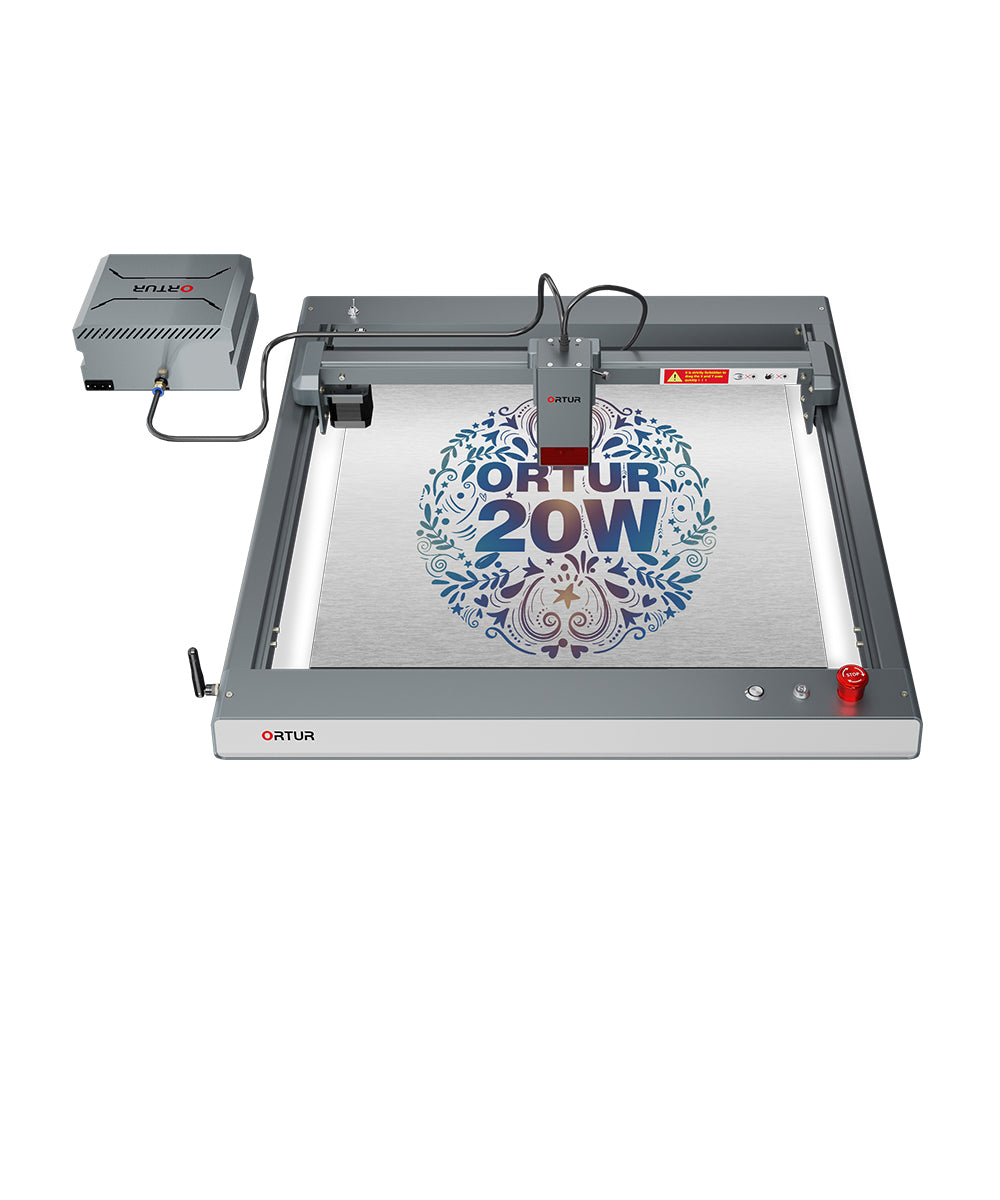
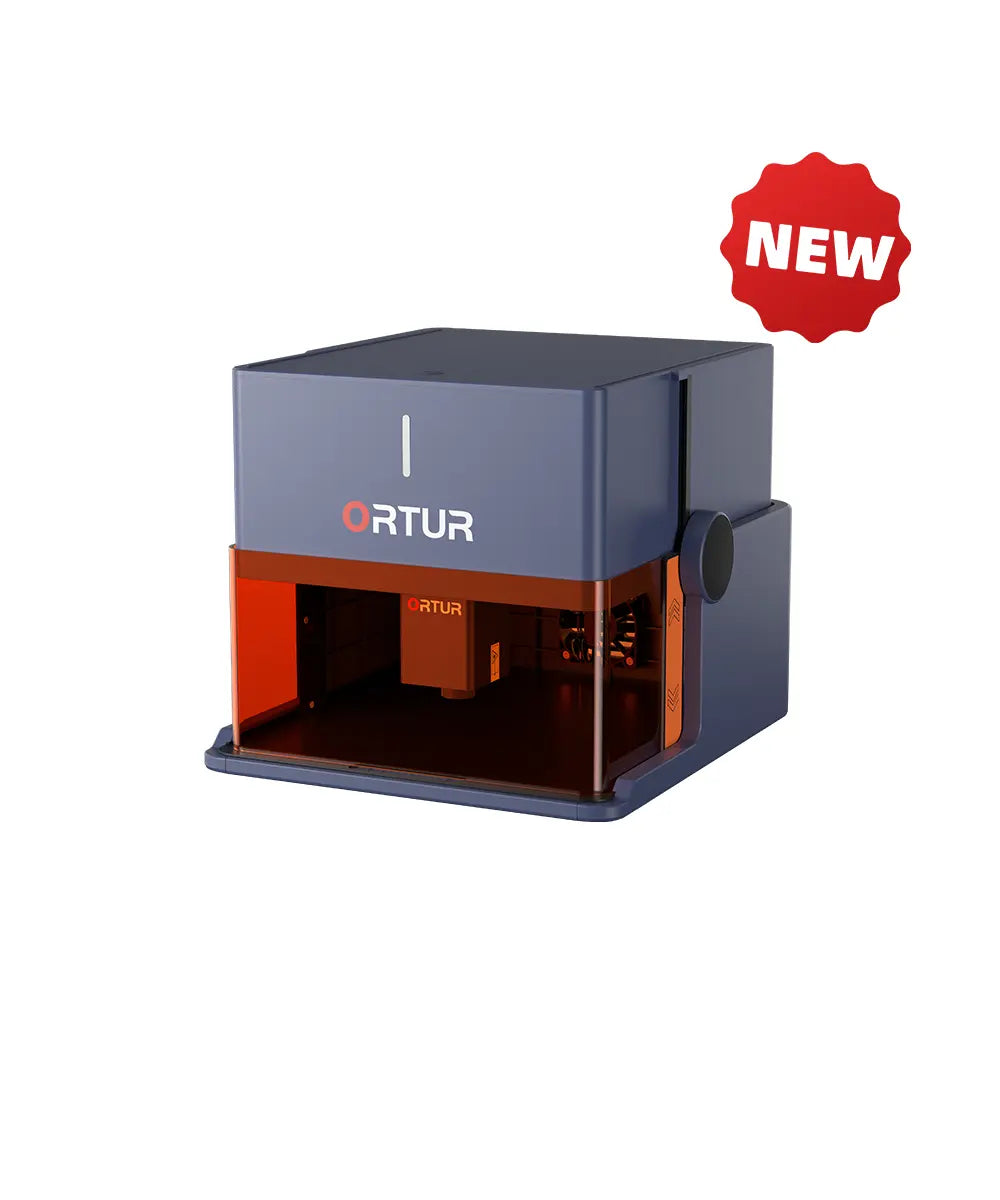
- Compact & Stylish Build: Measuring just 614×588×128mm and finished in sleek matte black, it fits seamlessly with any home or small studio decor. Its 400×400mm engraving area handles most daily projects, but it won’t take over your entire desk — perfect for small apartments.
Expandability: Grow with Your Skill Level
Even as an entry-level model, the Ortur LM3 LE 5W is ready to grow with you.
- Accessory Compatibility: Pair it with an Ortur YRR 3.0 Rotary Roller, a Z-Height Adjuster , or an Ortur Air Pump (to reduce cutting yellowing) — unlocking "2D + 3D" creative possibilities.
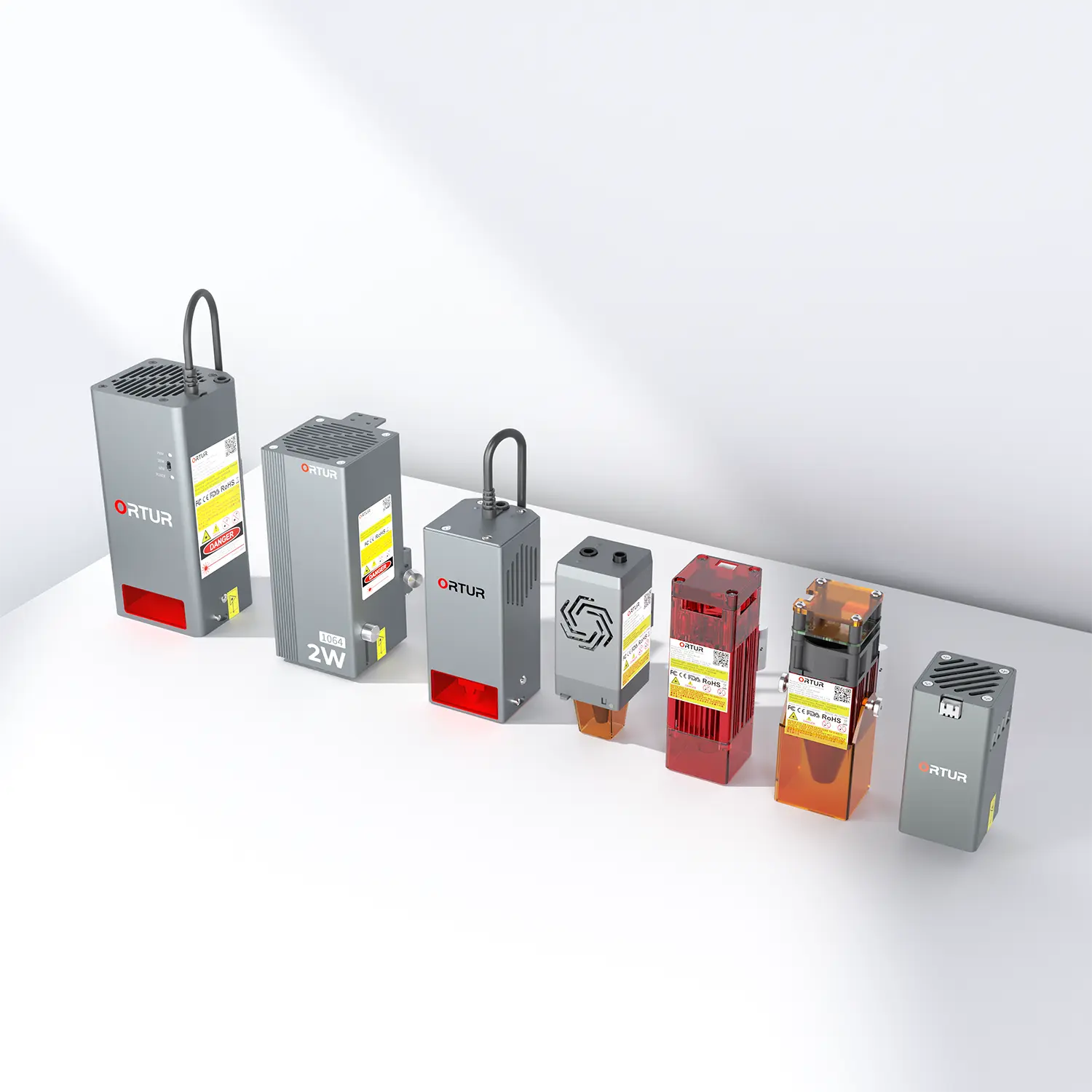
- Laser Module Upgrades Later: When you’re ready to level up, swap out the 5W LU3-5 laser module for a 10W LU2-10A, 20W LU3-20A, 40W LU3-40A, or 1.3W IR LR4-1A/2W IR LR4-2B laser module . Go from non-metal engraving to thick material cutting or metal marking — no need to buy a brand-new machine.

Three-Model Comparison
Why the Ortur LM3 LE 5W Stands Out
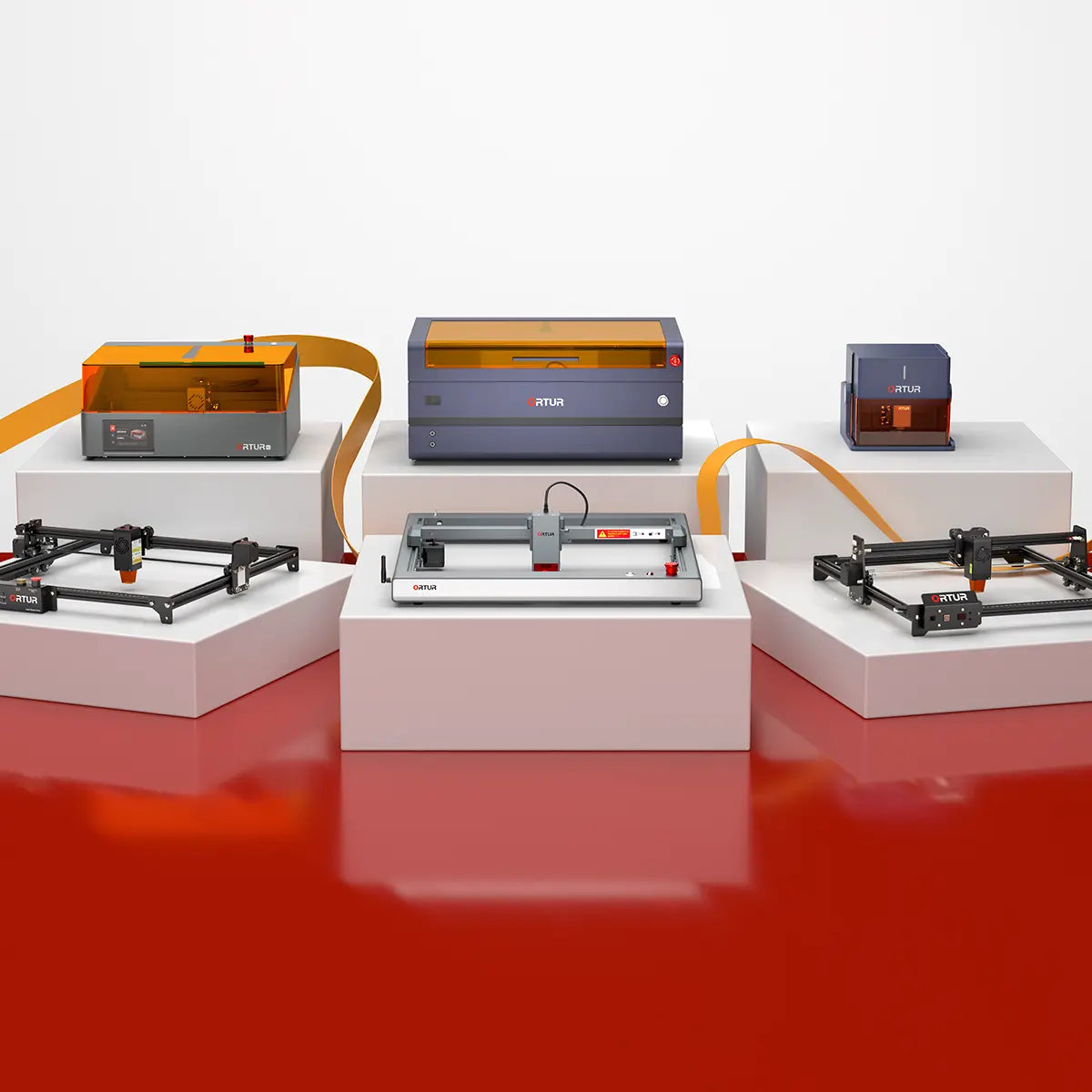
To help you pick the right fit, we’ve compared the Ortur LM3 LE 5W to the Ortur LM2 Pro S2 and LM2 S2. Key differences are laid out below.
| Comparison Dimension | Ortur Laser Master 3 LE | Ortur LM2 Pro S2 | Ortur LM2 S2 |
|---|---|---|---|
| Key Features | Cost-effective engraving machine with high performance · Solid Frame & Minimalist Appearance · Equipped with Ortur Smart App · 6 Safety Protection | The most classic ortur engraving machine · Metal Frame with its Own Scale · Extended Engraving Range · safety Protection | The most affordable ortur engraver · Metal Frame with its Own Scale · Pleasantly Priced · 5 Safety Protection |
| Laser Modules | 5W LU3-5 5.5W LU2-4 SF 5.5W LU2-4 LF 10W LU2-10A | 5.5W LU2-4 SF 5.5W LU2-4 LF 10W LU2-10A | 1.6W LU2-2 5.5W LU2-4 SF 5.5W LU2-4 LF 10W LU2-10A |
| Other Compatible Modules | 20W LU3-20A 40W LU3-40A 1.3W IR LR4-1A 2W IR LR4-2B | 20W LU3-20A 1.3W IR LR4-1A | 20W LU3-20A 1.3W IR LR4-1A |
| Engraving Speed | 15,000mm/min | 15,000mm/min | 5,000mm/min |
| Safety Protections | - Laser Exposure Time Limit - Tilt Motion Detection - USB Connection Monitor - Active Position Protection - Anti-crash Watchdog Mechanism - Voltage & Current Safety Control System | - Flame Detector - Emergency Stop Button - Tilt Motion Detection - Laser Exposure Time Limit - USB Connection Monitor - Active Position Protection - Voltage & Current Safety Control System | - Tilt Motion Detection - USB Connection Monitor - Laser Exposure Time Limit - Active Position Protection - Voltage & Current Safety Control System |
| Engraving Area | 400mm*400mm | 400mm*400mm | 390mm*410mm |
| Extended Working Area | × | 400mm*800mm | 390mm*800mm |
| Product Size | 614mm*588mm*128mm | 600mm*570mm*130mm | 580mm*550mm*150mm |
| Package Size | 670mm*330mm*130mm | 660mm*250mm*110mm | 620mm*215mm*130mm |
| Product Weight | 4.5KG | 3.8KG | 2.4KG |
| Supported Software | ORTUR (self-developed App)/Lightburn/LaserGRBL | Lightburn/LaserGRBL | Lightburn/LaserGRBL |
| Connection Method | WIFI/APP/USB/TF Card | USB | USB |
| Supported Formats | JPG, SVG, PNG, BMP, G-code, CAD, AI, CDR, DWG | JPG, SVG, PNG, BMP, G-code, CAD, AI, CDR, DWG | JPG, SVG, PNG, BMP, G-code, CAD, AI, CDR, DWG |
| Supported Systems | Android & iOS & Windows & Mac OS & Linux | Windows & Mac OS & Linux | Android & iOS & Windows & Mac OS & Linux |
| Motherboard Version | OLM-ESP-PRO-V2.4D | OLM-ESP-PRO-V1.2A | OLM-ESP-PRO-V1.2A |
| Certification | FCC, FDA, UL62368, CE-EMC, CE-LVD, ROHS | FCC, FDA, UL62368, CE-EMC, CE-LVD, ROHS, WEEE, EN60825-1 | FCC, FDA, UL62368, CE-EMC, CE-LVD, ROHS |
| Compatible Accessories | LEP1.0, Z-Height Adjuster, OUR1.0, YRR2.0, YRR3.0, YRC1.0, OAP1.0, OE2.0, OSP1.0 | LEP1.0, Z-Height Adjuster, OUR1.0, YRR2.0, YRR3.0, YRC1.0, ETK1.0, OAP1.0, OE1.0, OE2.0, OSP1.0 | LEP1.0, Z-Height Adjuster, OUR1.0, YRR2.0, YRR3.0, YRC1.0, ETK1.0, OAP1.0, OE2.0, OSP1.0 |
Core Advantages
Why the Ortur LM3 LE 5W Beats the Rest
Way More Flexible Than Other Entry-Level Models
It supports the Ortur App and multiple connection options (WIFI/APP/USB/TF Card) — freeing you from being tied to a computer. You can control it via your phone while cooking, watching TV, or using the offline engraving feature. Note that remote control has a distance limit: connections become unstable beyond 10 meters, and long-distance use may result in disconnection.It also works with every major operating system, so you won’t run into "compatibility headaches."
Grow Without Wasting Money
Most entry-level engravers become obsolete once your skills improve — but not the Ortur LM3 LE 5W. Swap in a 40W laser module for thick wood or acrylic cutting, or add an infrared laser module for metal marking. It also works with most Ortur accessories. So it grows with your creativity, not against it.
Perfect for Homes
It’s compact enough for small desks (614×588×128mm) but powerful enough for real projects. The 6-layer safety system means you can let your kids join in on simple crafts (with supervision), and the matte black finish won’t clash with your furniture. No loud noise, no messy setup.
Pro-Level Performance at a Beginner Price
It matches the Ortur LM2 Pro S2’s speed (15,000 mm/min) and engraving area (400×400 mm) but costs less. It’s way faster than the Ortur LM2 S2 and way more flexible. For anyone new to laser engraving, this is the sweet spot: enough power to make great projects, but not so much that you’re intimidated.
Who Is the Ortur LM3 LE 5W For?
This machine is your best bet if you’re:
- A beginner who wants to try laser engraving without learning complex software or spending a lot of money;
- A home crafter short on space but big on creativity — personalized gifts, home decor, or hobby projects;
- A student or side hustler making small-batch items (keychains, bookmarks, custom stickers) on a budget;
- Someone who hates "throwaway tech" — you want a machine that lasts, not one you’ll replace in 6 months.
The Ortur Laser Master 3 LE 5W breaks the "entry-level = low-quality" myth. It’s a laser engraver that respects your creativity: easy enough to start with, powerful enough to keep going, and flexible enough to grow with you. Whether you’re making a gift for a friend, sprucing up your home, or testing a new business idea, this is the laser engraver that turns your ideas into reality — no fuss, no stress, just fun.
Ready to start creating? Grab the Ortur LM3 LE 5W today and join the Ortur creative community!