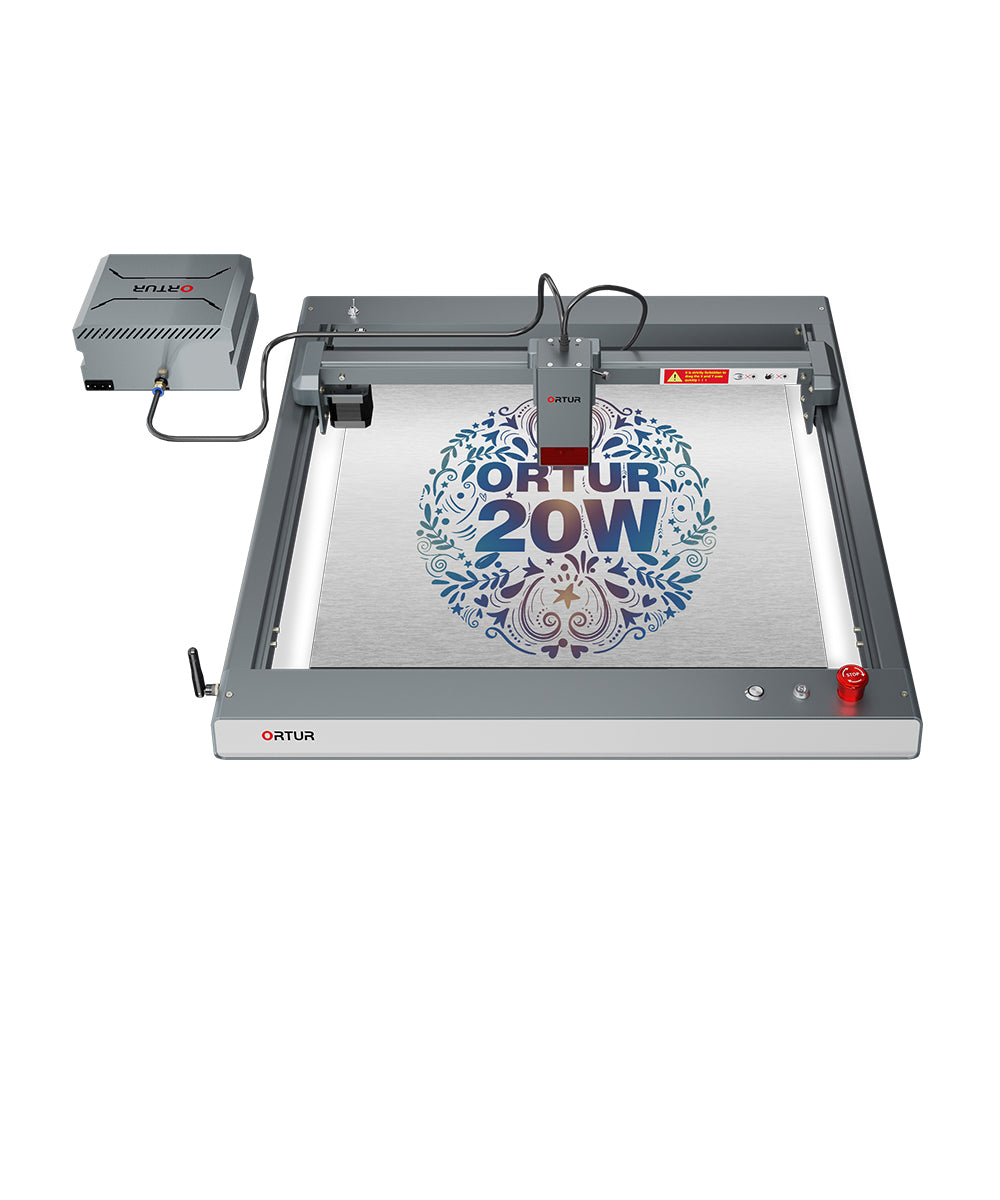
Ortur Laser Master 3 Frequently Asked Questions(1)
Welcome to the Ortur Laser Master 3 Frequently Asked Questions Part 1! Here we’ve compiled high-frequency questions and clear answers from users regarding device installation, accessory matching, function upgrades, and more.
How to assemble and set up Ortur Laser Master 3 ?
What accessories are compatible with Ortur Laser Master 3 ?
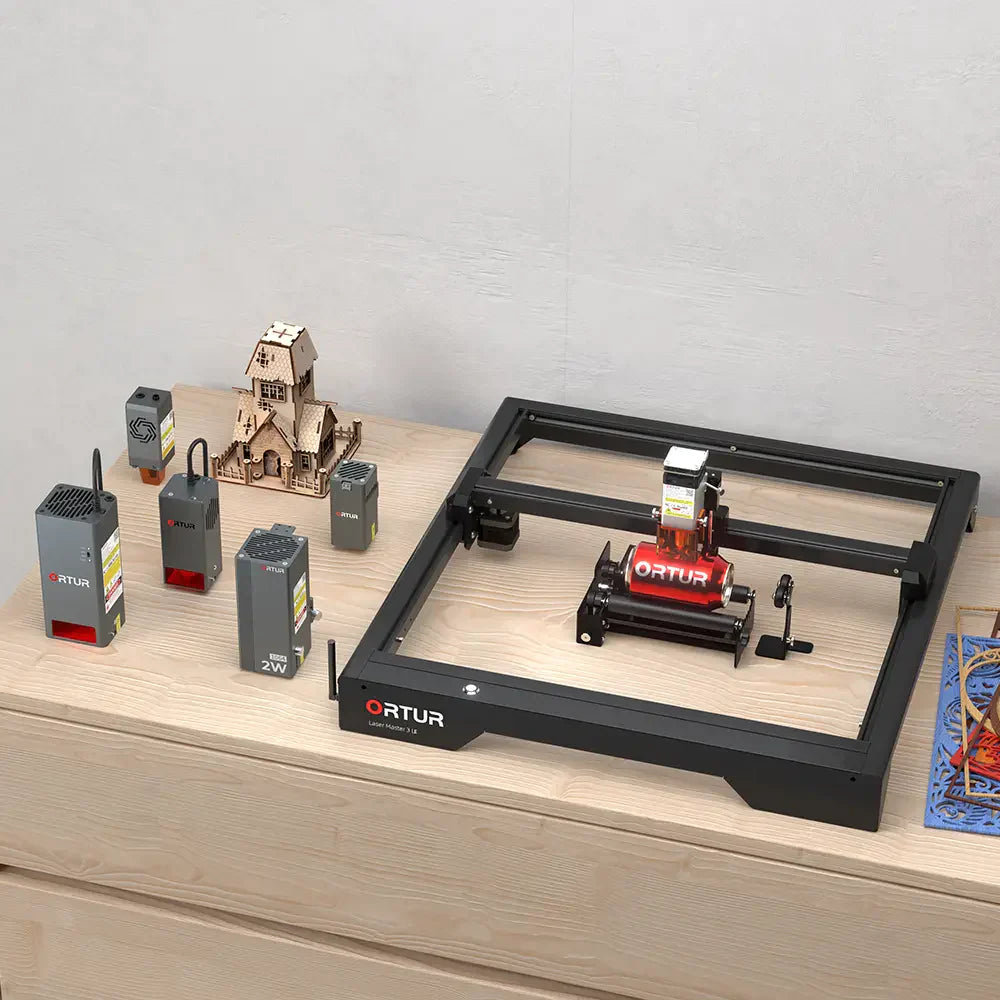
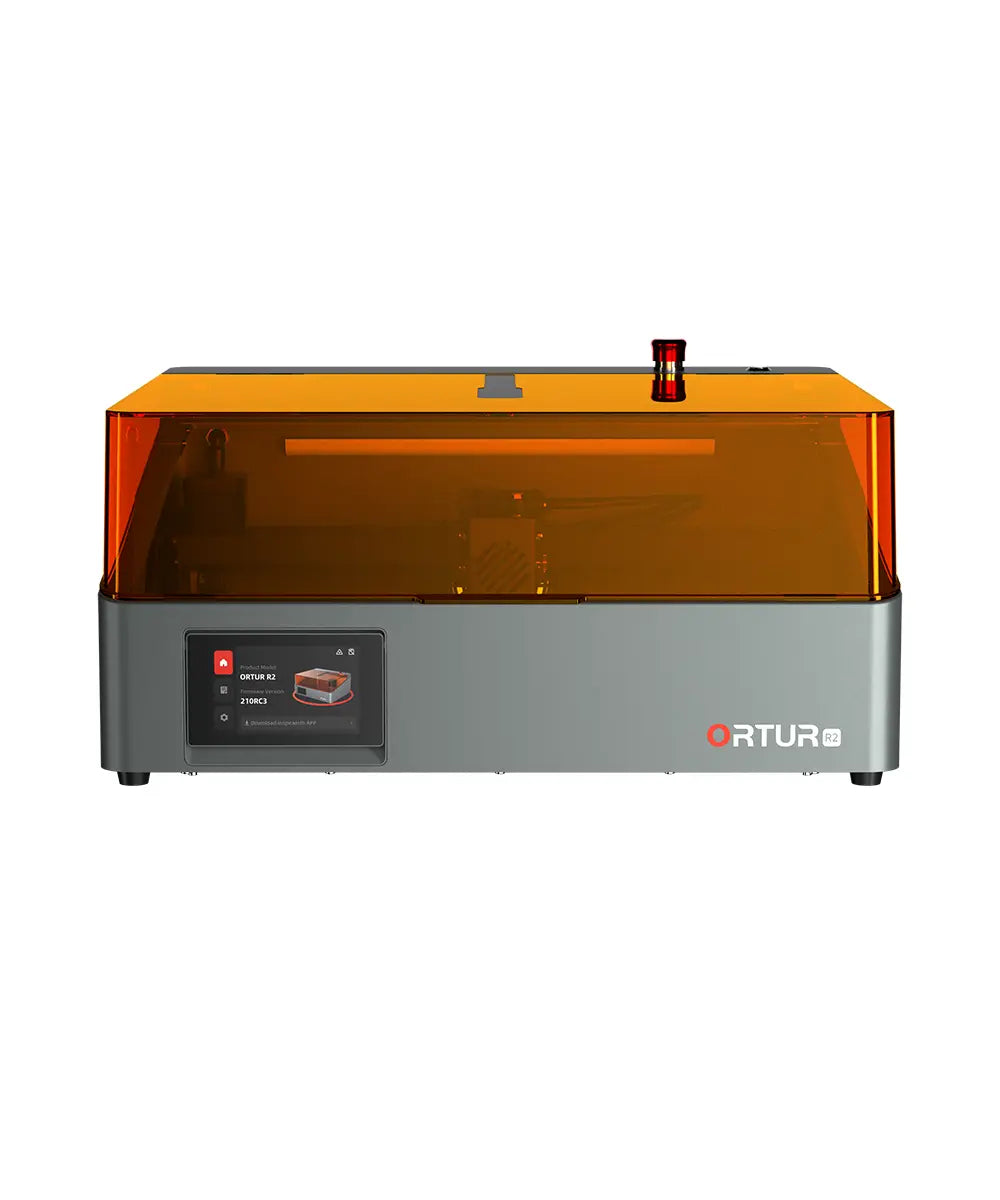
Ortur Laser Master 3 can be used with LEP1.0, OAP1.0, YRC1.0, YRR3.0, YRR2.0, FFT1.0, ETK2.0, Ortur Enclosure 2.0, Ortur Adjuster and Ortur Smoke Purifier 1.0 (Almost compatible with all accessories).

What is the engraving size of Ortur Laser Master 3 ? Can I expand the engraving area ?
Ortur Laser Master 3 10W has an engraving area of 400*400mm and Ortur Laser Master 3 20W/40W has an engraving area of 400*380mm. Optional extension kits are available to expand the engraving area. The maximum expandable area for Ortur Laser Master 3 is 400*850mm (15.75*33.46 inch).
Click to watch the video
What infrared laser modules are compatible with Ortur Laser Master 3 ? What are the similarities and differences between these two infrared laser modules ?
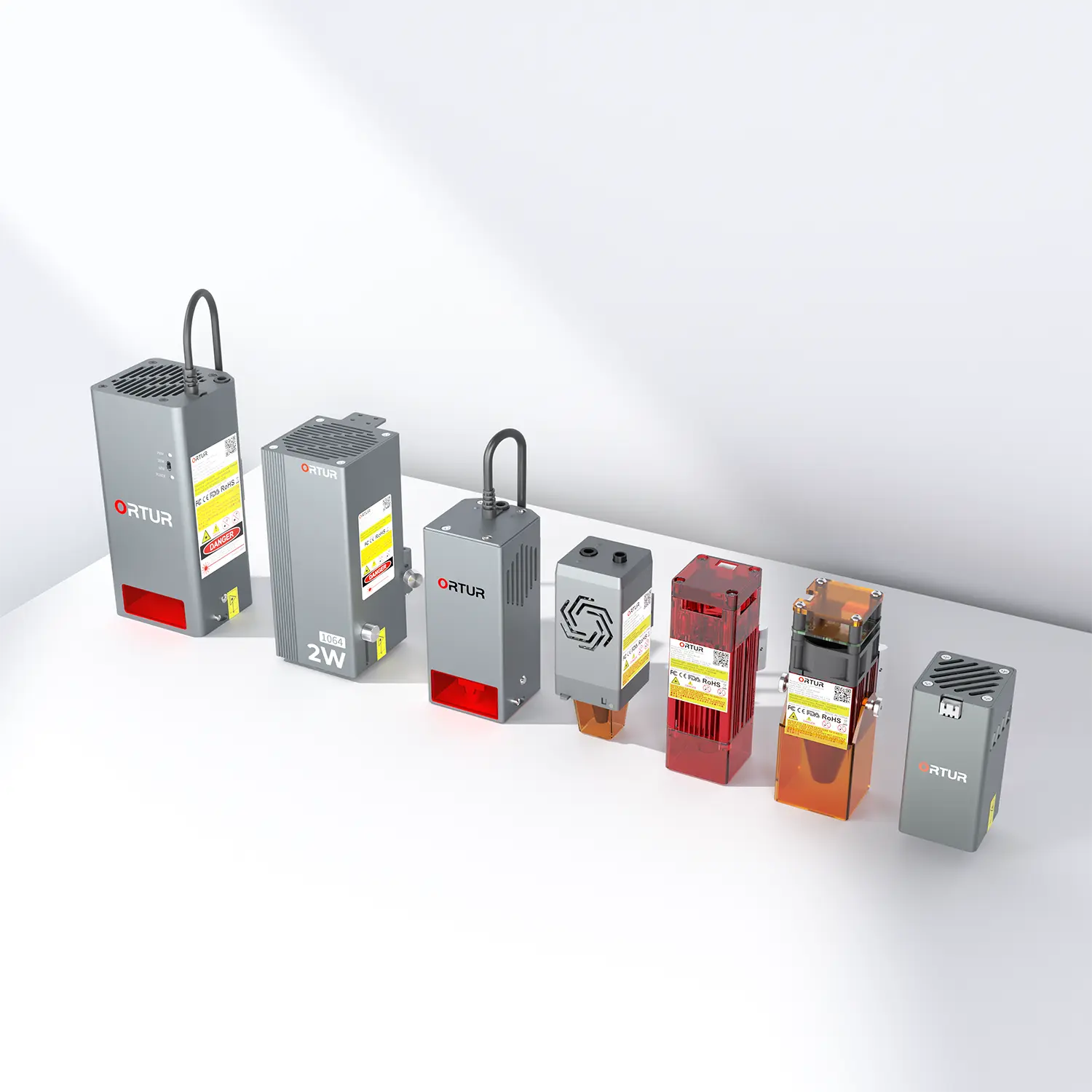
The infrared laser modules compatible with the OLM3 are the 1.3W IR LR4-1A and the 2W IR LR4-2B. Please note that infrared laser modules can only be used for engraving, not cutting.
| Laser Module | LR4-2B | LR4-1A |
|---|---|---|
| Optical Power | 2W IR | 1.3W IR |
| Adapter Power Input | 24V / 6A | 24V / 3A |
| Wavelength | 1064±1nm | 1064±1nm |
| Spot Size | 0.05*0.05mm | 0.03*0.03mm |
| Engraving Precision | 0.01mm | 0.01mm |
| Focusing Mode | Manual | Manual |
| Focal Length | 23mm | 40mm |
| Weight | 800g | 330g |
| Air Pump Adaptability | × | × |
| Z-Height Adjuster Adaptability | × | × |
| Window Mirror Replacement | × | × |
| Engraving Materials | All Metals (Gold, Silver, Brass, Iron, Aluminum, Stainless Steel, and more), Plastic, Dark opaque acrylic | All Metals (Gold, Silver, Brass, Iron, Aluminum, Stainless Steel, and more), Plastic, Dark opaque acrylic |
How to upgrade the OLM3 10W to 20W or 40W ? Are additional parts required ?
To upgrade the OLM3 10W to 20W, simply replace the laser module. To upgrade to 40W, in addition to replacing the laser module, you also need to connect an OUC to adjust the voltage.If you purchase the 20W or 40W module separately, there is no need to buy an additional OUC — all the parts required for machine upgrade are included in the package.
Click to watch the video

There are three types of models, which one should I choose, 10W, 20W or 40W ?
- 10W is the best choice for fine engraving and versatile for light cutting.
- 20W is suitable for both engraving and cutting projects.
- 40W is ideal for thick cutting projects and increase working efficiency.
| Laser Module | LU2-10A | LU3-20A | LU3-40A |
|---|---|---|---|
| Adapter Power Input | 24V / 2A | 24V / 4A | 24V / 7A |
| Wavelength | 450±5nm | 450±5nm | 455±5nm |
| Spot Size | 0.05mm*0.1mm | 0.08mm*0.08mm | 0.1mm*0.15mm |
| Engraving Precision | 0.01mm | 0.01mm | 0.01mm |
| Focusing Mode | Manual | Manual | Manual |
| Focal Length | 50mm | 56.5mm | 40mm |
| Spot Technology | Optical Compression | Spatial Compression | Spatial Compression |
| Weight | 235g | 500g | 970g |
| Air Pump Adaptability | ✓ | ✓ | ✓ |
| Z-Height Adjuster Adaptability | ✓ | Require extra limitblock | Require extra limitblock |
| Window Mirror Replacement | ✓ | ✓ | ✓ |
| Engraving Materials | MDF, Plywood, Pine, Paulownia, Paperboard, Paper, Kraft Paper, Leather, Dark Acrylic, Cobblestone、Ceramics, Coated Metal, Plated Metal, Stainless Steel, Glass, Knit, Cotton, ABS Plastics, Bamboo, Silica Gel, Rubber, Ceramic Tile, Marble, Shale, Cement, Brick | MDF, Plywood, Pine, Paulownia, Paperboard, Paper, Kraft Paper, Leather, Dark Acrylic, Cobblestone, Ceramics, Coated Metal, Plated Metal, Stainless Steel, Glass, Knit, Cotton, ABS Plastics, Bamboo, Silica Gel, Rubber, Ceramic Tile, Marble, Shale, Cement, Brick | MDF, Plywood, Pine, Paulownia, Paperboard, Paper, Kraft Paper, Leather, Dark Acrylic, Cobblestone, Ceramics, Coated Metal, Plated Metal, Stainless Steel, Glass, Knit, Cotton, ABS Plastics, Bamboo, Silica Gel, Rubber, Ceramic Tile, Marble, Shale, Cement, Brick |
| Cutting Materials | Paper, MDF, Plywood, Pine, Paulownia, Cardboard, Corrugated, Dark Acrylic, PVC, Knit, Cotton, ABS Plastics, Felt, Leather, Bamboo, Silica Gel | Paper, MDF, Plywood, Pine, Paulownia, Cardboard, Corrugated, Dark Acrylic, PVC, Knit, Cotton, ABS Plastics, Felt, Leather, Bamboo, Silica Gel | Paper, MDF, Plywood, Pine, Paulownia, Cardboard, Corrugated, Dark Acrylic, PVC, Knit, Cotton, ABS Plastics, Felt, Leather, Bamboo, Silica Gel |
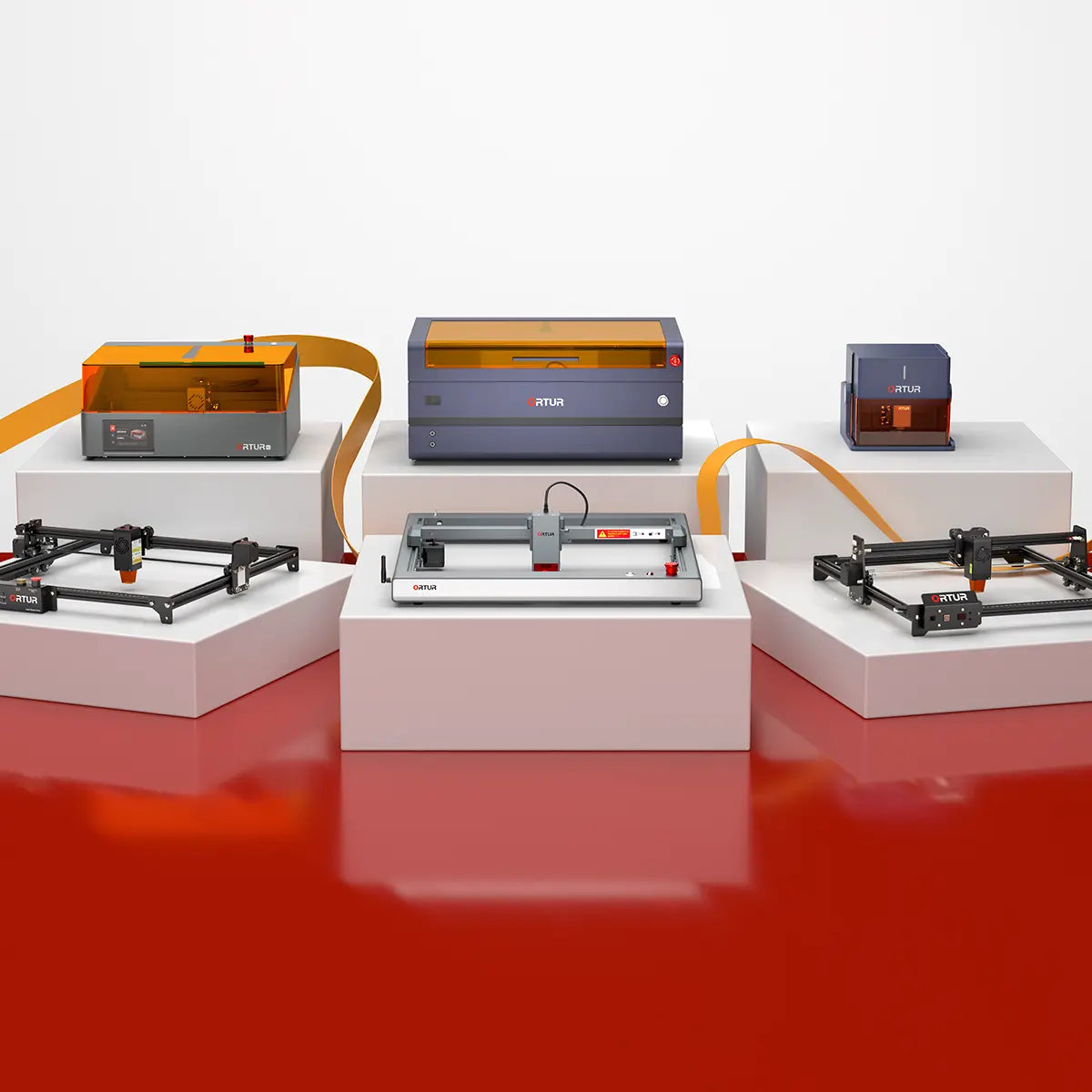
What are the similarities and differences between Ortur Laser Master 3 and Ortur Laser Master 3 LE ?
| Laser Engraver Machines | Ortur LM3 | Ortur LM3 LE |
|---|---|---|
| Main Features | Ortur’s fastest & smartest flagship laser engraver - Superior Engraving Speed - Ortur Smart App - 8 Safety Protections | - Solid Frame & Minimalist Appearance - Ortur Smart App - 6 Safety Protections |
| Laser Modules | 10W LU2-10A 20W LU3-20A 40W LU3-40A | 5W LU3-5 5.5W LU2-4 SF 5.5W LU2-4 LF 10W LU2-10A |
| Other Compatible Laser Modules | 1.3W IR LR4-1A 2W IR LR4-2B | 20W LU3-20A 40W LU3-40A 1.3W IR LR4-1A 2W IR LR4-2B |
| Working Area | 10W: 400mm*400mm 20W/40W: 400mm*380mm | 400mm*400mm |
| Extended Working Area | 400mm*850mm | x |
| Product Size | 658mm*625mm*150mm | 614mm*588mm*128mm |
| Package Size | 660mm*230mm*230mm | 670mm*330mm*130mm |
| Product Weight | 4.3KG | 4.5KG |
| Maximum Speed | 20,000mm/min | 15,000mm/min |
| Safety Protections | - Safety Lock - Emergency Stop Button - Laser Exposure Time Limit - Tilt Motion Detection - USB Connection Monitor - Active Position Protection - Anti-crash Watchdog Mechanism - Voltage & Current Safety Control System | - Laser Exposure Time Limit - Tilt Motion Detection - USB Connection Monitor - Active Position Protection - Anti-crash Watchdog Mechanism - Voltage & Current Safety Control System |
| Supported Software | ORTUR (self-developed App)/Lightburn/LaserGRBL | ORTUR (self-developed App)/Lightburn/LaserGRBL |
| Connection Method | WIFI/APP/USB/TF Card | WIFI/APP/USB/TF Card |
| Supported Formats | JPG, SVG, PNG, BMP, G-code, CAD, AI, CDR, DWG | JPG, SVG, PNG, BMP, G-code, CAD, AI, CDR, DWG |
| Supported Systems | Android & iOS & Windows & Mac OS & Linux | Android & iOS & Windows & Mac OS & Linux |
| Motherboard Version | OLM-ESP-PRO-V2.4 | OLM-ESP-PRO-V2.4D |
| Certification | FCC, FDA, UL62368, CE-EMC, CE-LVD, ROHS, WEEE, EN60825-1 | FCC, FDA, UL62368, CE-EMC, CE-LVD, ROHS |
| Compatible Accessories | LEP1.0, Z-Height Adjuster, FFT1.0, OUR1.0, YRR2.0, YRR3.0, YRC1.0, ETK2.0, OAP1.0, OE2.0, OSP1.0 | LEP1.0, Z-Height Adjuster, OUR1.0, YRR2.0, YRR3.0, YRC1.0, OAP1.0, OE2.0, OSP1.0 |
Why does Ortur Laser Master 3 keep flashing in red and green or sometimes in yellow and white with intermittent beeping ?
Ortur Laser Master 3 does not recognize the SD card. Please make sure that the SD card is inserted normally. If it still flashes after the SD card has been inserted, please reinsert the SD card or restart the machine. (Note: The machine must be inserted into the SD card before use, generally in no special circumstances, do not remove the SD card, so as not to cause the machine lighting display abnormalities and some engraving abnormalities).
How to replace the motherboard of OLM3 ?
How to adjust the belt tension ?
Follow the steps in the video to adjust the belt. If your belt is damaged or you want to purchase spare parts, please contact support@ortur.net to purchase.
X-axis Belt Adjustment Instruction Y-axis Belt Adjustment InstructionThe above are the core contents of Ortur LM3's FAQ. If you have any questions not covered here, feel free to contact support@ortur.net for consultation. Stay tuned for the upcoming Part 2 to get more practical operation tips and technical details!